Clear, focused lessons.
Learn one key idea at a time, then put it into practice before moving on.
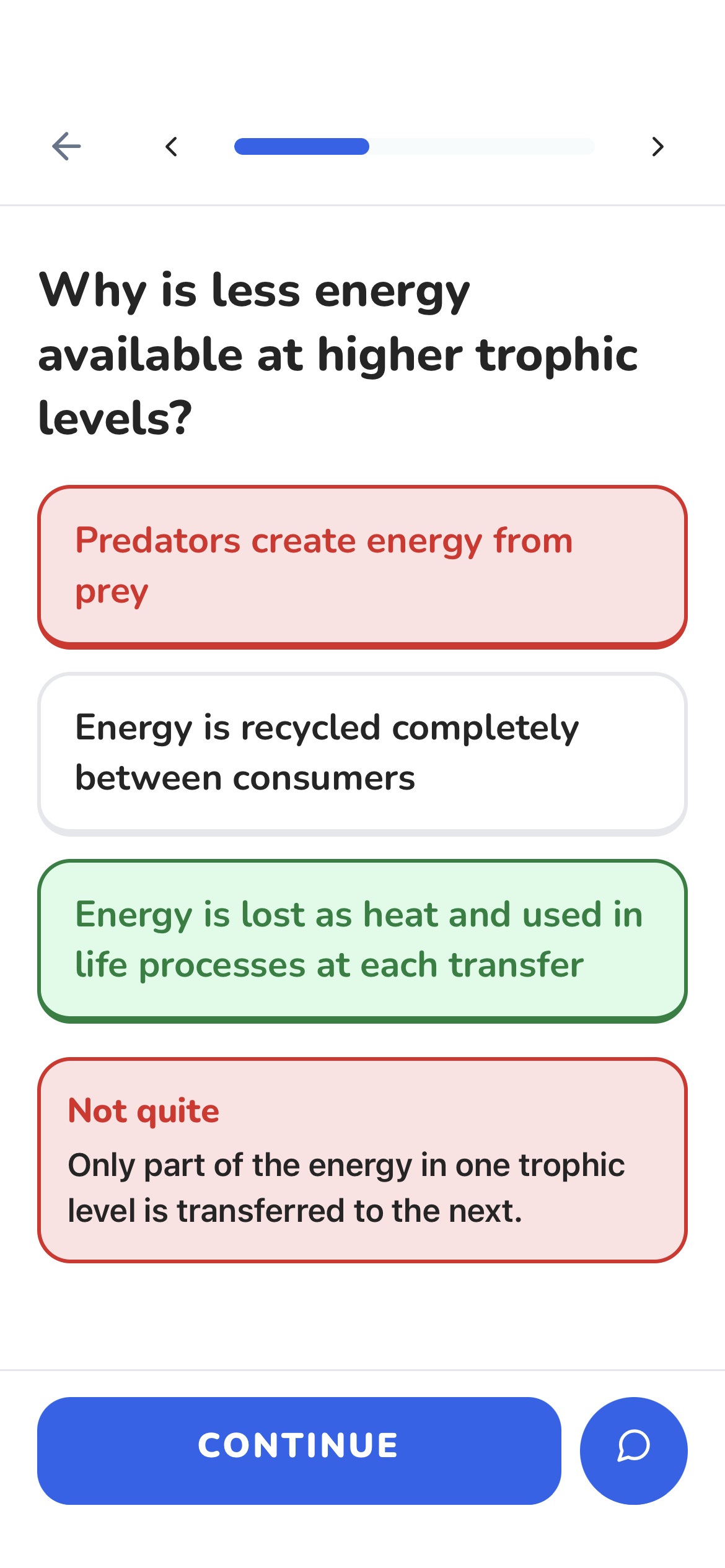
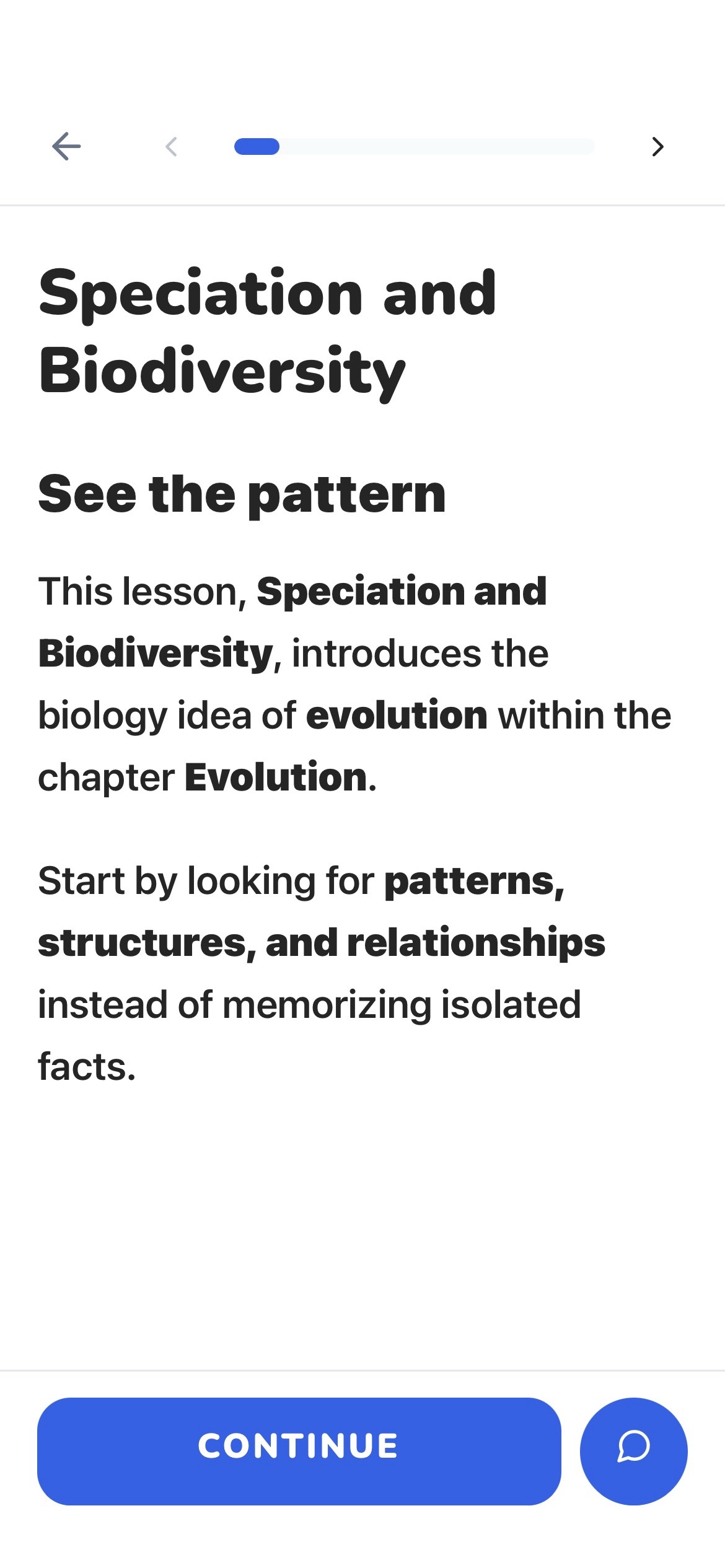
Upload course material, turn it into short interactive lessons, and study without the usual overwhelm.
Learn one key idea at a time, then put it into practice before moving on.
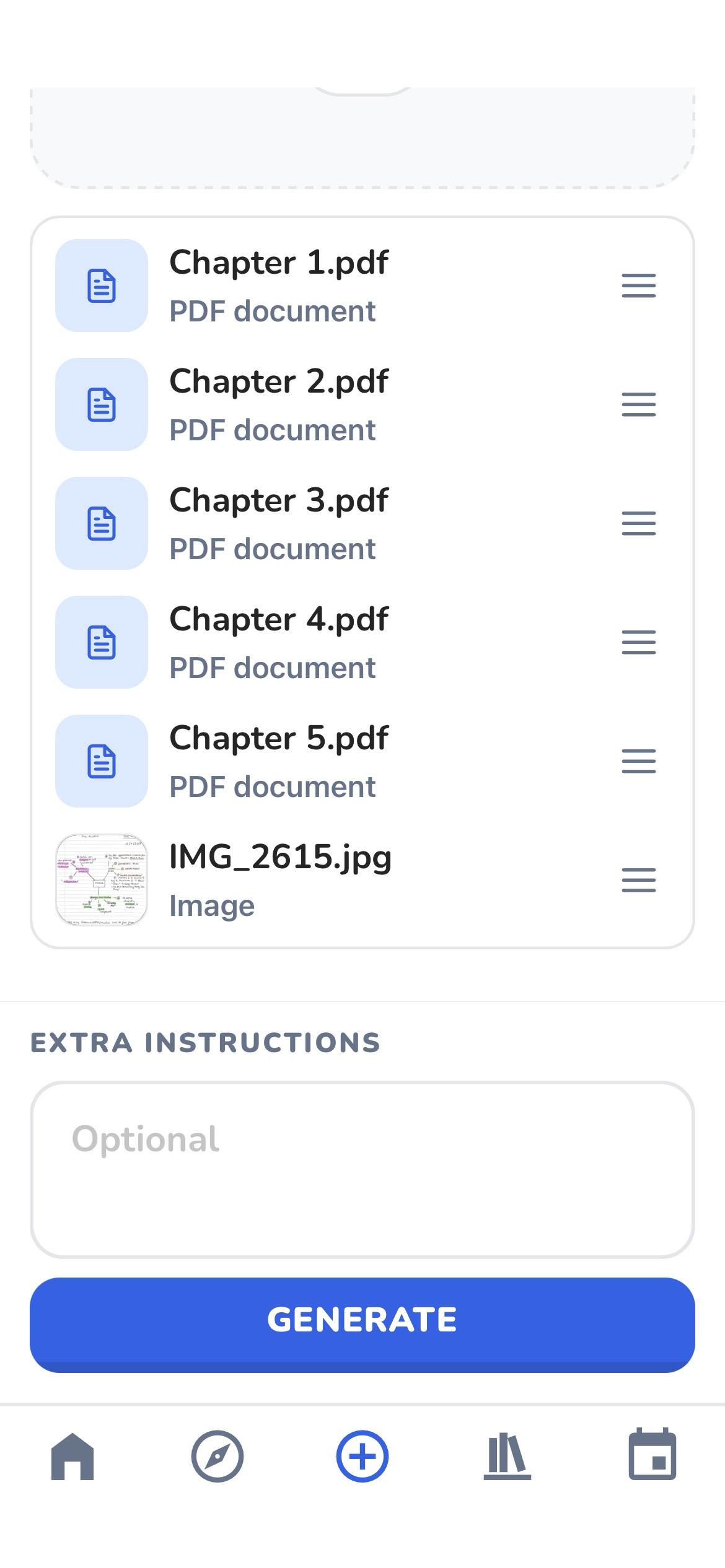
Start with your notes, slides, PDFs and documents. Semesty does the organising.
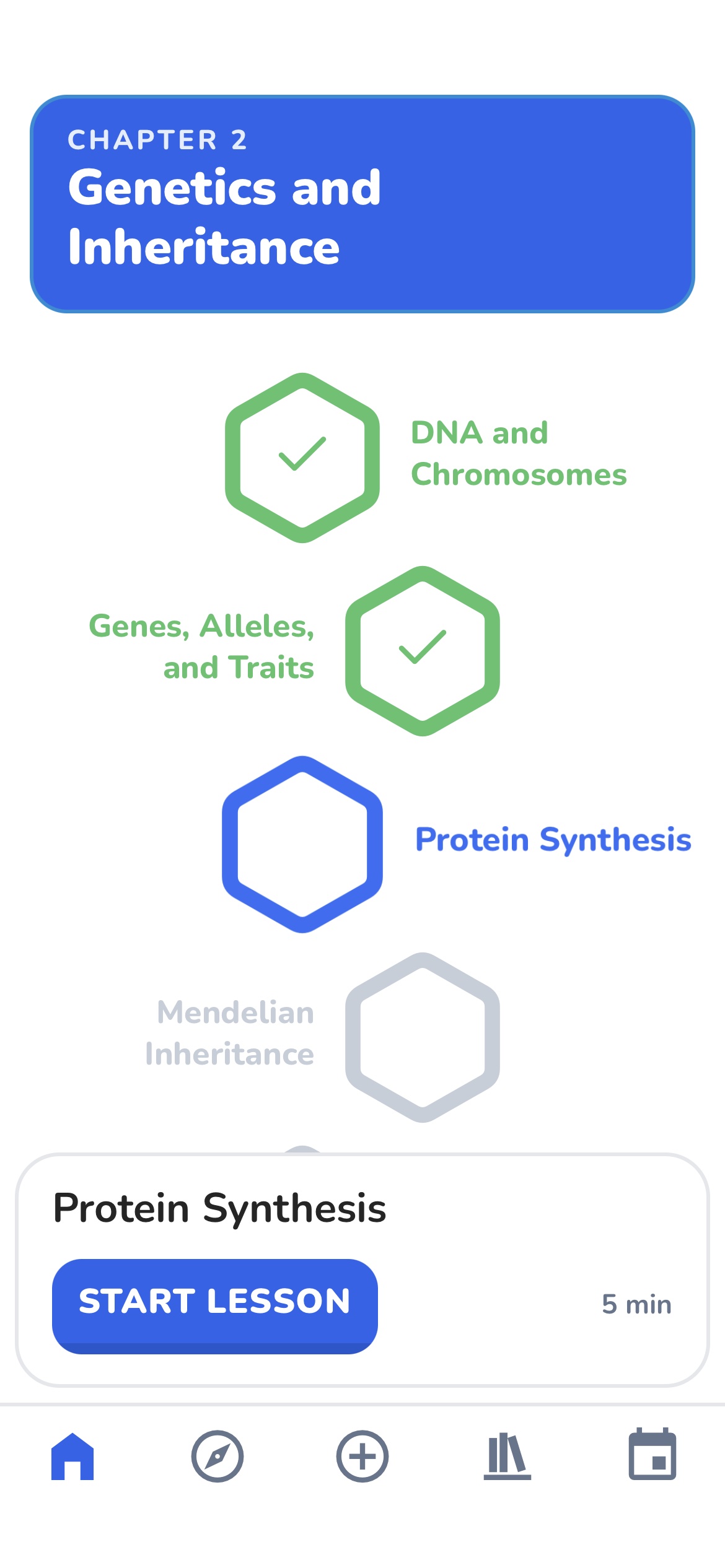
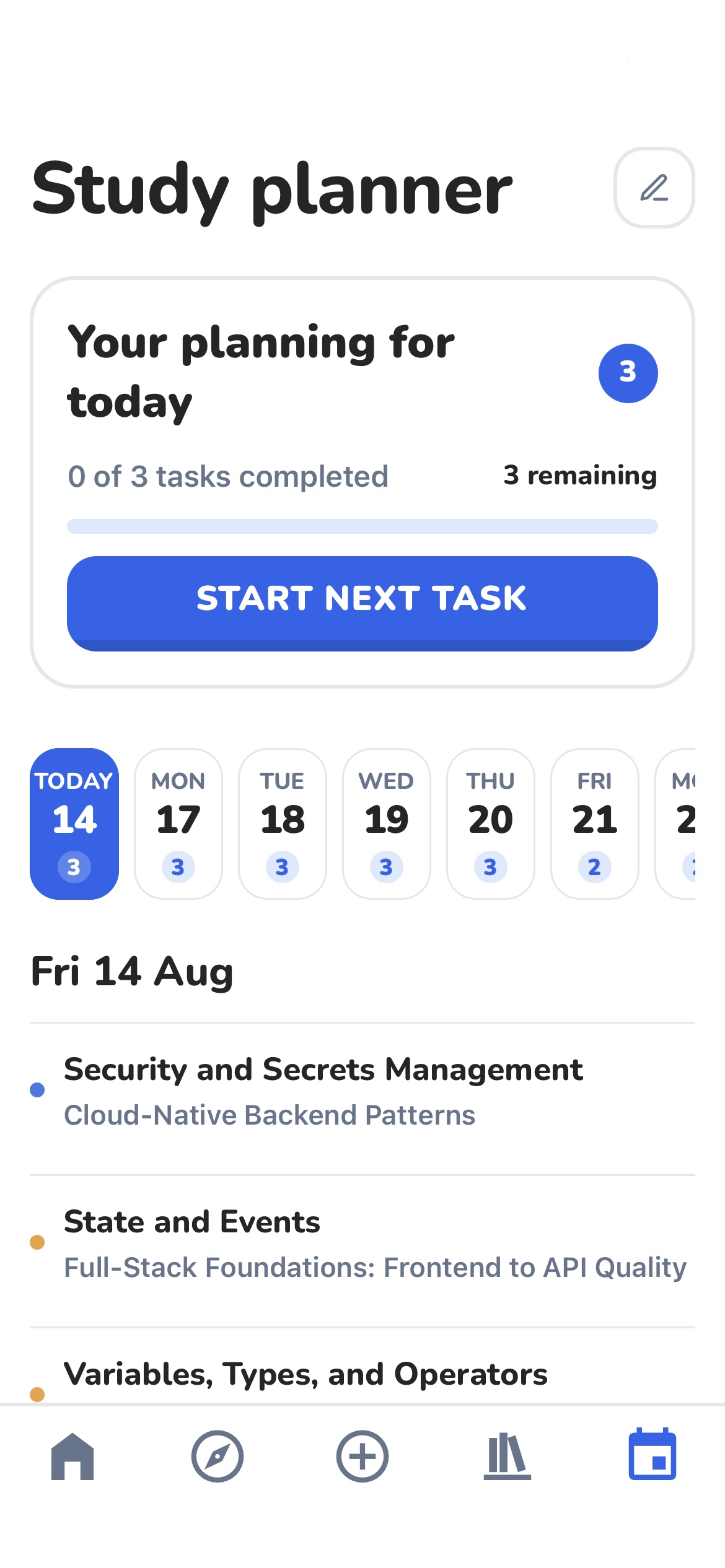
Return to the right lesson, keep your momentum, and make time for what matters.
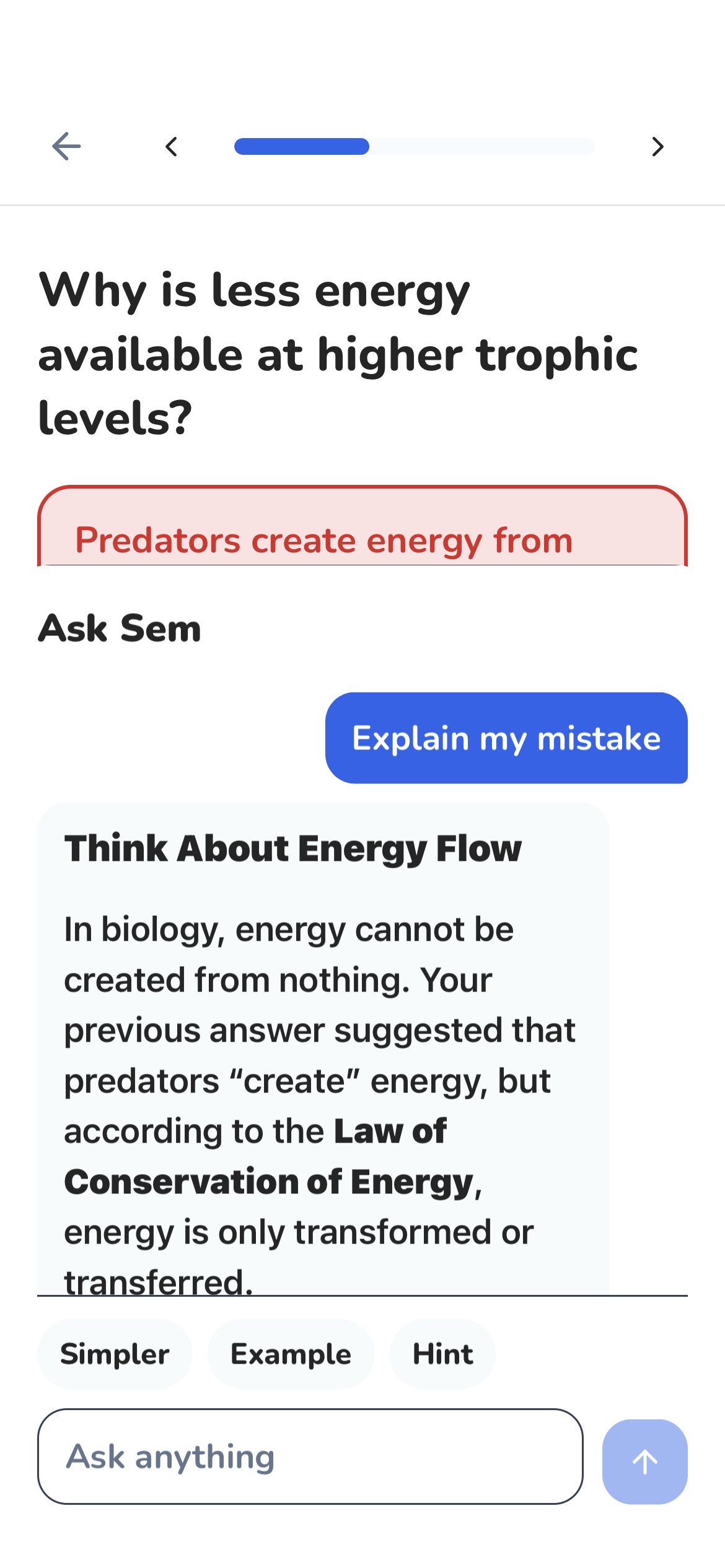
Get a simpler explanation, an example or a small hint without leaving your lesson.
Complete one lesson when you have a few minutes. On the bus, between classes or before training.
Things you might be wondering.
Add PDFs, documents, slides, text files, screenshots and photos of your course material.
Yes. Combine your PDFs, slides, documents and images, then arrange them in the order that makes sense for the course.
Yes. Semesty follows the order you set, so place your material in the same progression you want to study it.
Semesty turns your material into short, focused lessons with explanations and interactive checks.
Yes. Semesty builds each course around the material you upload, so its lessons, questions and explanations stay grounded in your own content.
Yes. Ask Sem can explain a concept again, give an example or help you understand a mistake without leaving the lesson.
Yes. When creating a course, you choose whether it stays private or can be shared publicly.